UI mockups & design reviews
Swap placeholder copy, sample names, or outdated labels in interface mockups — including chat-style UI examples — before a design review or stakeholder walkthrough.
Screenshot text editor
Imagelier updates the words inside app screenshots and chat-style UI mockups. OCR finds the text, AI removes it and restores the background, and your replacement is rendered in the same spot. Made for honest content work: demo assets, localized screens, and documentation fixes.
Free in the browser. No install, no design file required.
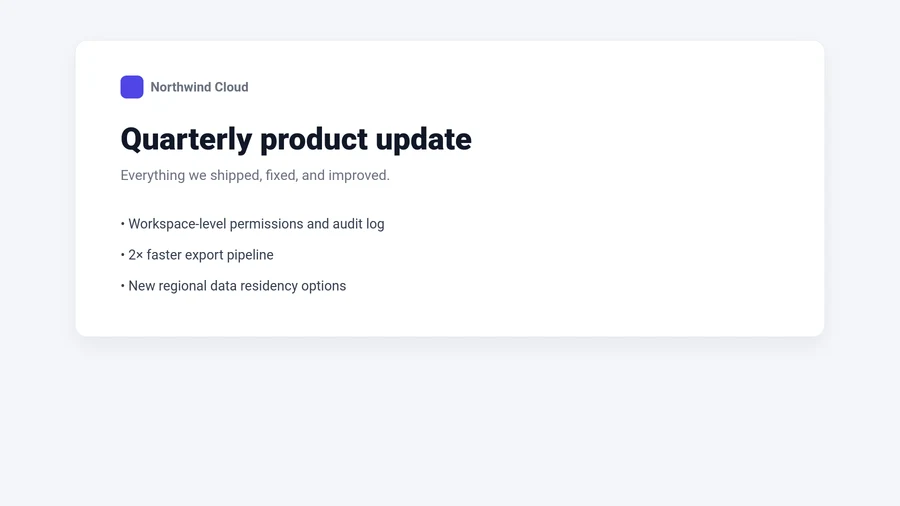
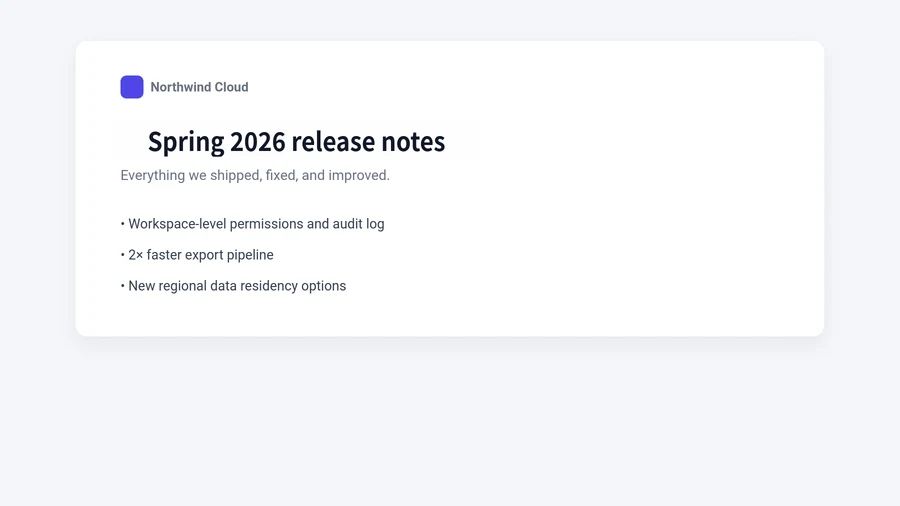
A real run from the live pipeline: the heading of a UI screenshot replaced, background restored. Open the editor on the homepage to reproduce it with the same sample mockup.
Screenshots go stale faster than the products they show. These are the everyday, above-board reasons to update one instead of capturing it again.
Swap placeholder copy, sample names, or outdated labels in interface mockups — including chat-style UI examples — before a design review or stakeholder walkthrough.
Refresh feature names, sample values, or pricing in marketing and demo screenshots without re-staging the whole app.
Replace on-screen strings with translated wording when preparing app screens and UI examples for another market.
Fix a typo in a help-center capture, update a renamed button in a tutorial, or prepare support training material that uses placeholder customer data.
Drop in an app screen, chat-style mockup, or tutorial capture. The image is normalized in your browser before it reaches the editing pipeline.
OCR highlights every text region it finds. Pick a label, bubble, or caption, then type the replacement and tune the font and color.
AI inpainting erases the original words and restores the background — bubbles and gradients included — before your new text is rendered in place.
A screenshot editor is only useful if people can trust what it is used for. Imagelier is designed for updating visuals you own or maintain — not for misleading anyone about what really happened on a screen.
See what Imagelier won’t do; the full acceptable-use policy lives in the Terms of Service. Reports of prohibited use are reviewed via the contact page.
Yes. Upload the screenshot, click the text region OCR detects, type the replacement, and download the result. The pipeline removes the original words and restores the background, so there is no need to re-stage the app or rebuild the mockup. The step-by-step guide covers the full workflow.
It depends on what the edit claims. Updating your own product screens, mockups, localized UI examples, or documentation captures is normal content work. Presenting an altered screenshot as an authentic record of a real conversation, or impersonating someone, is prohibited by the Terms of Service.
Uploads are used only to run the editing pipeline — OCR, inpainting, and rendering — and are stored under the retention rules described in the Privacy Policy, which also lists every third-party processor involved.
Flat UI backgrounds, solid bubbles, and clean captures are ideal inputs, so screenshots are one of the best-performing image types. Very small text, heavy compression, or busy gradients can leave visible traces — the editor shows a preview so you can judge the result before downloading.
The editor lives on the homepage and works on any image with readable text — screenshots, mockups, menus, and posters alike. Free results are watermarked; Pro unlocks HD downloads.