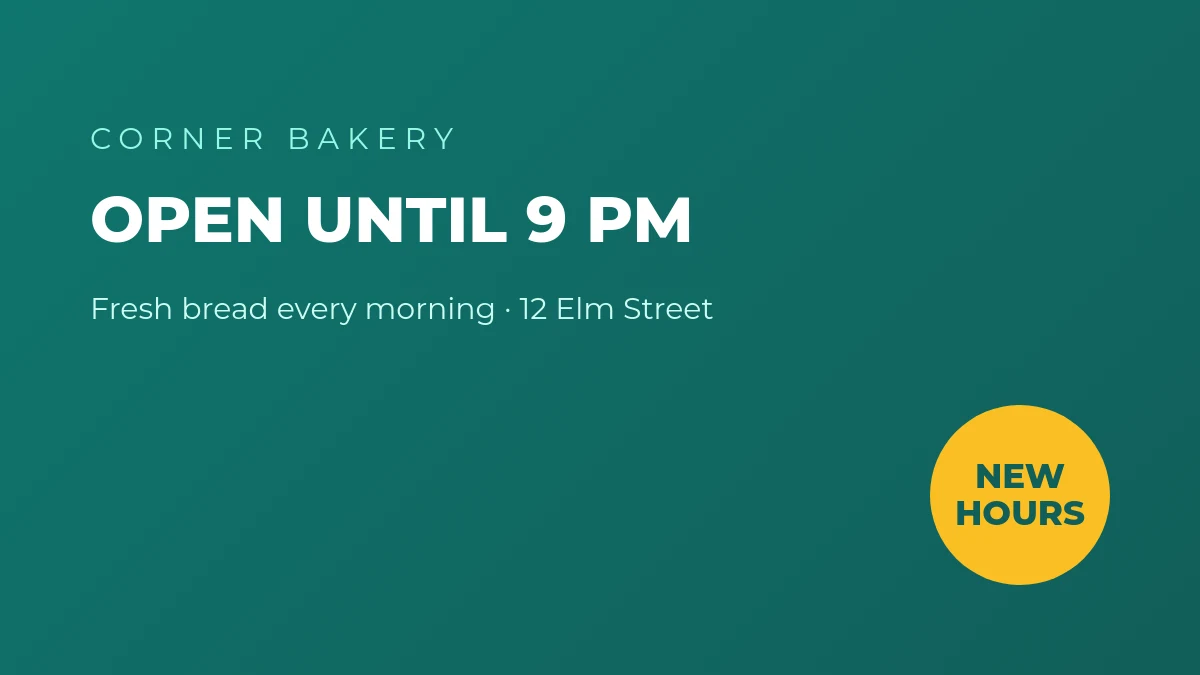
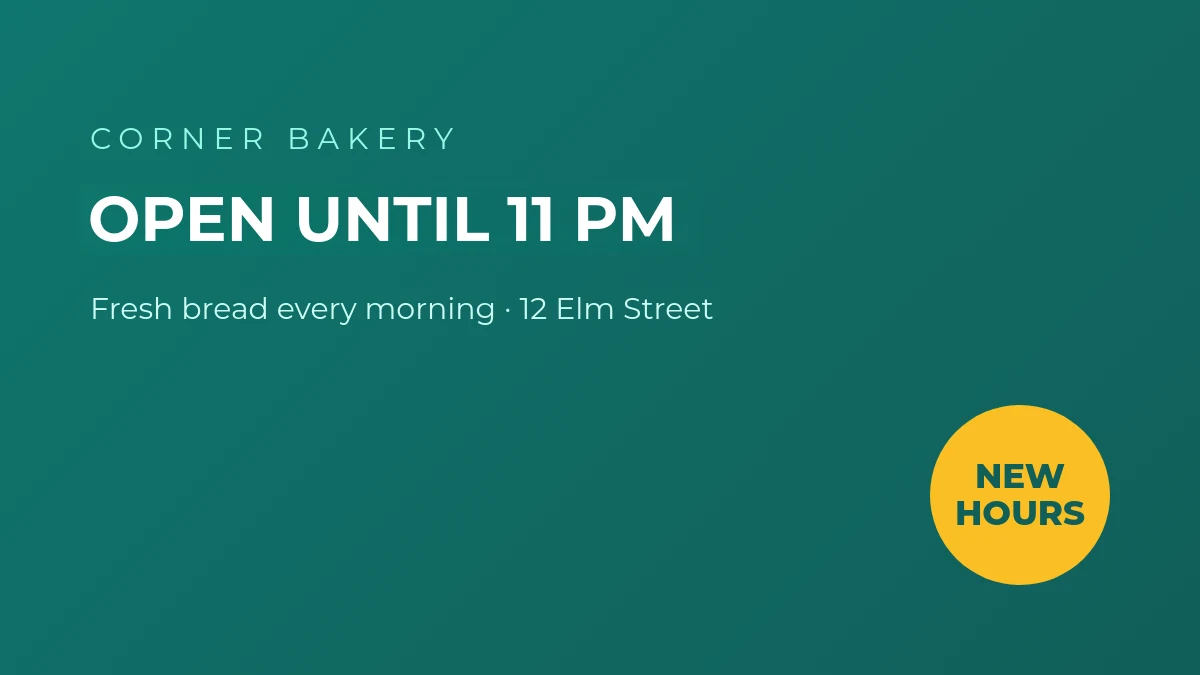
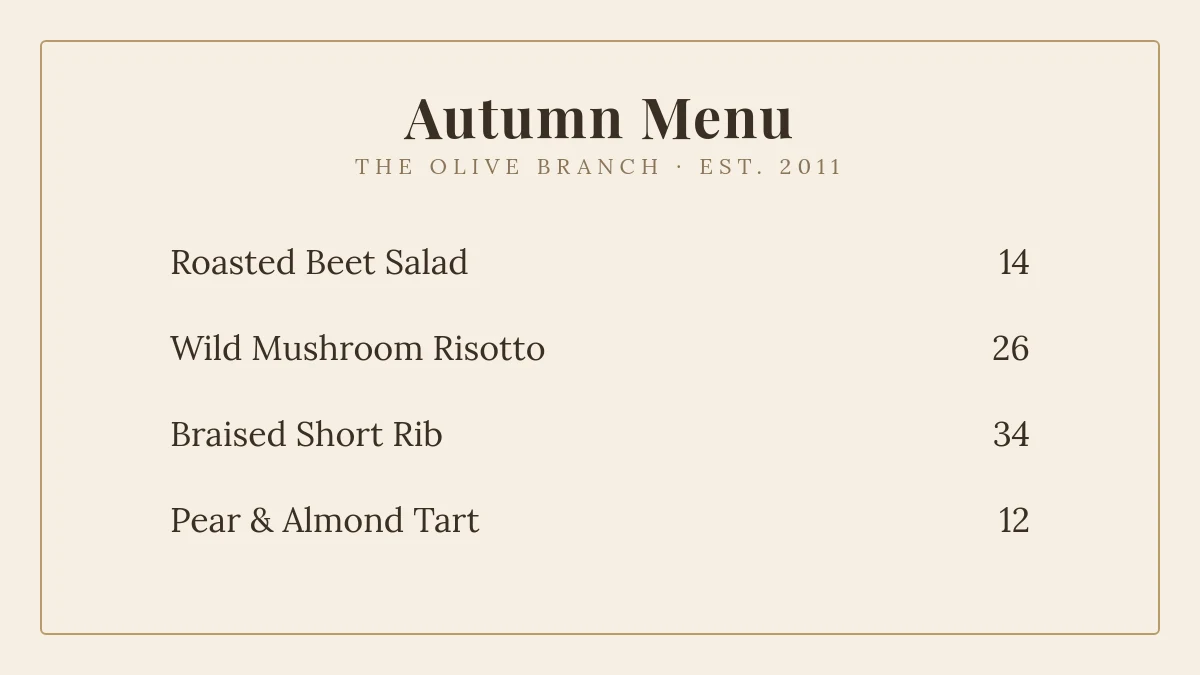
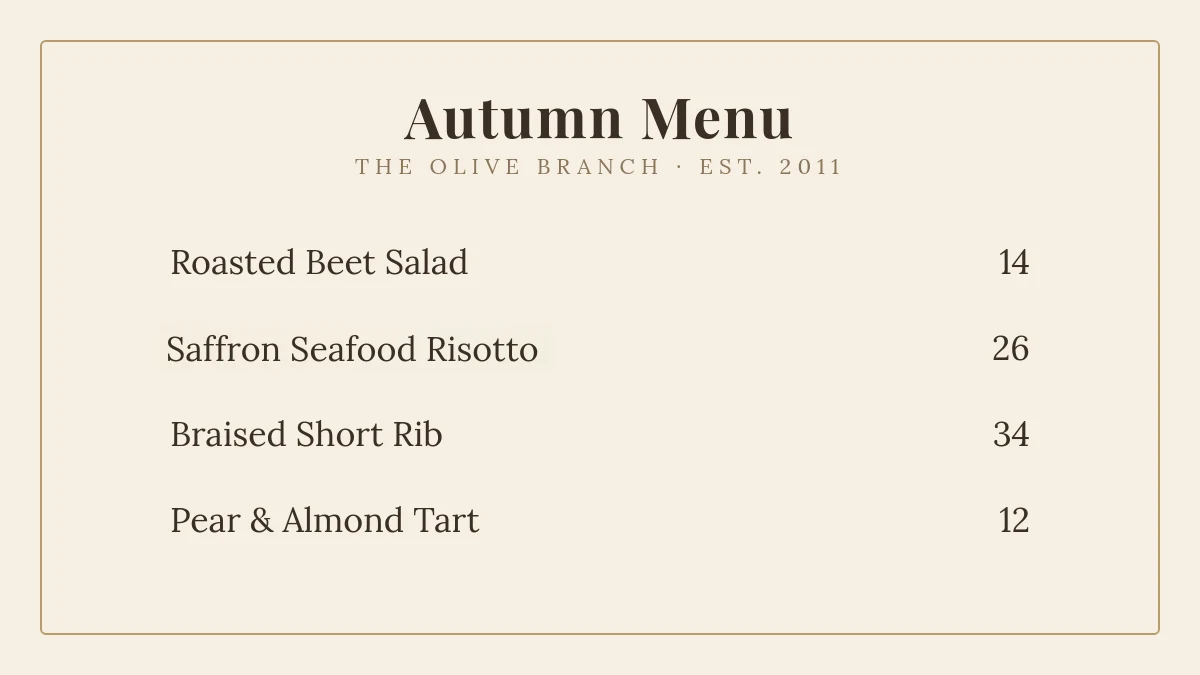
Can Imagelier tell me the exact name of the font?
No, and it doesn’t detect the typeface either: size, weight and color are matched automatically, and you choose the closest of its 20 fonts, which cover most menus, labels, screenshots and signs. For an exact match of unusual lettering, use AI style; for the original font name, use a font identifier.
What if my new text is longer than the original?
The replacement keeps the original size when it fits. When it doesn’t, it is narrowed slightly to stay in the same space rather than overlapping what’s next to it. AI style can also widen the text naturally when there is room.
Does it work with Chinese, Japanese or Korean text?
Yes. The font library includes Noto Sans and Noto Serif for CJK text, and AI style can redraw stylized CJK lettering.
Why does the result sometimes look slightly different?
Custom or hand-drawn lettering can’t be reproduced exactly with a standard font. Try AI style for those, or adjust the font and size by hand. Every result can be compared with the original before you download it.
Is it free?
New accounts get 2 free edits (720p with a small watermark). Pro is $9 a month for 100 edits in original resolution without a watermark, and includes AI style. See pricing.
Can I use it to change any image?
It is built for legitimate updates to images you own or are allowed to edit — menus, posters, product visuals, screenshots and translations. Faking documents or records is prohibited by the Terms of Service, and AI style is disabled for IDs, certificates and financial documents.