Upload an image
Drop in a screenshot, menu, poster, or product image. Imagelier reads the image dimensions in your browser before sending it to the editor pipeline.
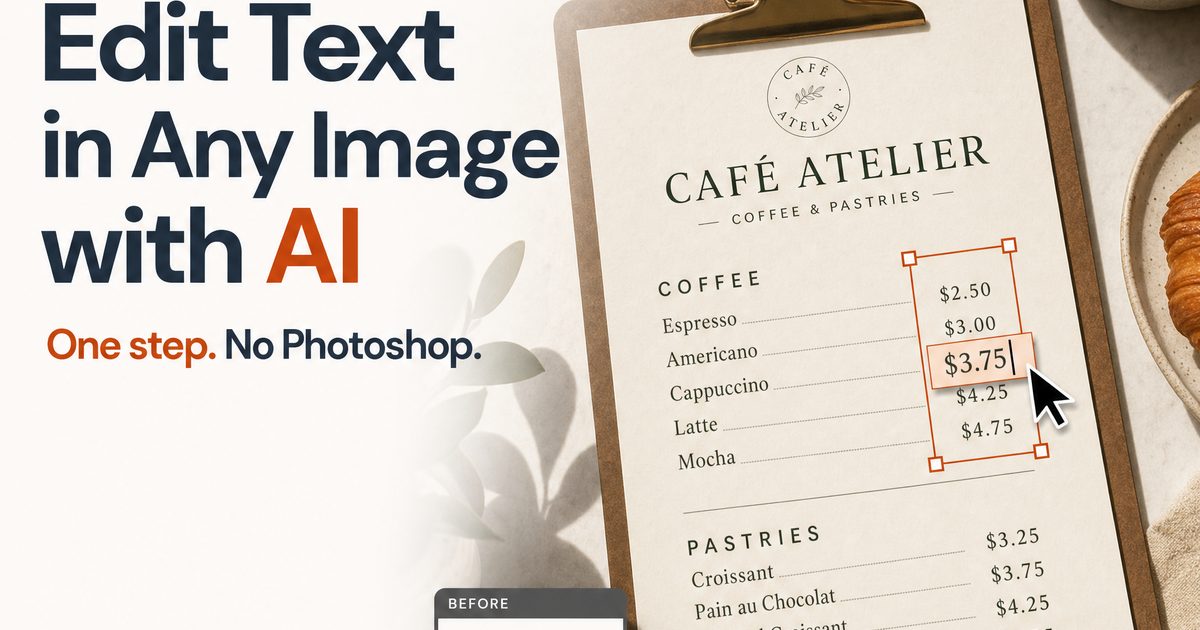
Edit Text in Any Image with AI
Loading the editor...
What Imagelier does
Imagelier is a free online AI photo and image text editor that lets you replace text in image files, screenshots, posters, menus, and product visuals. It detects text regions, removes the original words, restores the background, and renders replacement text in the same position without Photoshop.
It is built for practical edits and a fast way to change text in image files you already own: updating menu prices, fixing a typo in a saved poster, changing labels in a UI screenshot, or adapting product visuals for a campaign. The goal is not to become a general image editor. Imagelier focuses on one job and keeps that job fast enough for everyday marketing, product, and small business work.
Drop in a screenshot, menu, poster, or product image. Imagelier reads the image dimensions in your browser before sending it to the editor pipeline.
OCR highlights the editable text regions. Pick the words you want to replace, then adjust the replacement text, font, and color.
AI inpainting removes the old text and restores the background. Browser rendering places the new text back in the same region.
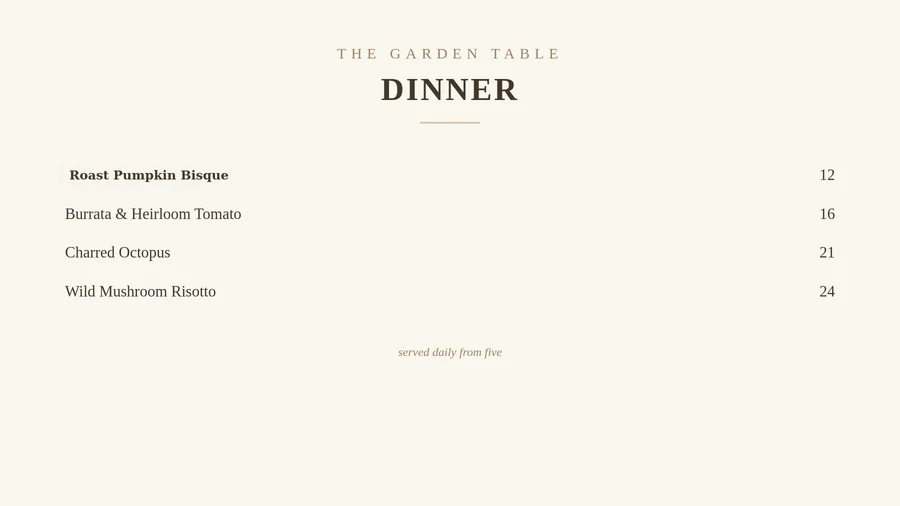
Change seasonal prices or item names in a restaurant menu photo while keeping the existing layout.
Correct a typo or swap a campaign line after the original design file is no longer handy.
Adjust labels, sample numbers, or product terminology in screenshots for docs and launch posts.
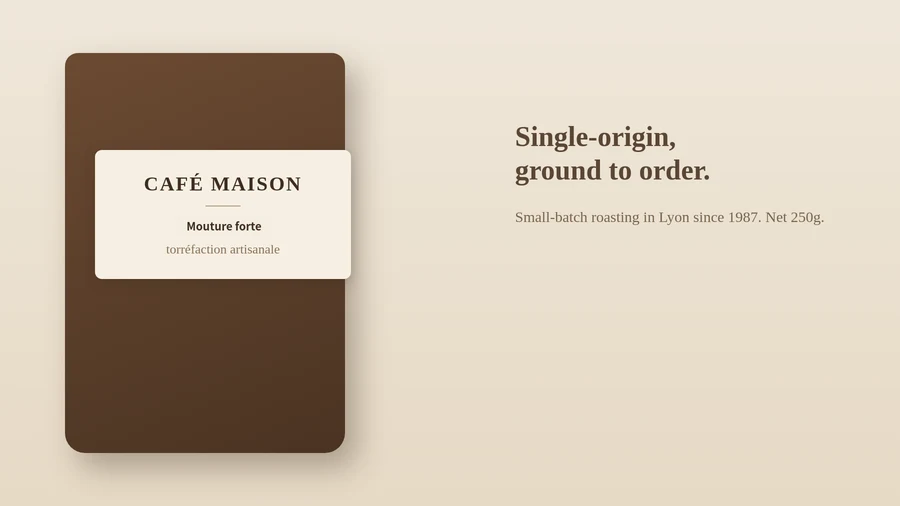
Replace short text snippets in product images when preparing an English-market variant.
Correct misspelled or garbled words in AI-generated visuals — keep the artwork, replace only the broken text.
Read the guideEach frame is an actual Imagelier run: upload, detect the text, erase it, restore the background, and render the replacement. Hover or tap a frame to compare it with the original. No mockups.
Why Imagelier
If you already have the source design file, use the design app. If all you have is a flat JPEG, PNG, WebP, or screenshot, Imagelier is built for the practical replacement step.
Read the full Imagelier vs Photoshop comparisonRead the Imagelier vs Canva comparison
The product has two tiers: Free and Pro. Monthly and yearly Pro are shown separately so the billing choice is clear before checkout.
Compare plansJust need a few edits?
3 HD edits with no watermark. One-time payment, no subscription — valid for 365 days.
$2.90one-time
7-day money-back guarantee, no questions asked.
Yes. Sign in with Google or email and a new account gets 2 free edits, exported at 720p with a small watermark. Pro keeps the original resolution, removes the watermark and adds AI style.
No. The pipeline removes the original text region first, restores the background, and then renders the replacement text. This is different from annotation tools that place text on top of the old words.
Clear screenshots, menus, posters, labels, and product images work best. Heavy blur, tiny text, extreme perspective, or textured backgrounds can reduce OCR and inpainting quality.
No. Imagelier is intended for legitimate content updates such as menu changes, UI documentation, poster corrections, and translation drafts. The terms prohibit unlawful or misleading use.
Yes. Imagelier replaces text inside an existing image directly in the browser — no Photoshop, no source design file. Photoshop is still better for full retouching, and Canva for rebuilding designs from editable elements, but for swapping the words in a finished image a focused tool is faster.
No AI image workflow is perfect. Imagelier shows uncertain OCR regions and may warn when traces can remain on complex backgrounds, so you can judge the result before using it.
Exact edits erase the original words, rebuild the background and set the new text at the original size, weight and color, leaving every other pixel untouched — the right choice for screenshots, menus and documents. AI style (Pro, 2 credits) redraws the edited words with AI so they also match outlines, gradients, shadows and display lettering. Every AI result is checked automatically; if it fails the checks, your credits are refunded.
Yes. Imagelier reads the size, weight and color of the original text and applies them to the replacement automatically; you choose the typeface from 20 commercially licensed fonts. For stylized lettering with outlines, gradients or shadows, AI style redraws the new words to match the original look.
Upload the photo, click the text Imagelier detects, type the new words and download. It works the same way for phone photos of a sign, label or printed menu as for screenshots and exported JPEG or PNG files. Straight, evenly lit text gives the cleanest result.
Built for menu updates, product visuals, UI documentation, posters, and localization drafts.
Uploads and results are wiped automatically after 24 hours — 30 days on Pro so you can re-download. The privacy policy names every third-party processor.
Pro billing runs through Stripe. Subscriptions can be managed from the customer portal.
Free downloads are watermarked at 720 px. Pro keeps original-resolution output without watermark. Every bundled font is licensed for commercial use.
About Imagelier
Imagelier comes from the idea of an image atelier: a small, precise studio for practical image work. V1 is intentionally narrow because replacing existing text well is more useful than adding another general-purpose editor to the web.
We are building Imagelier for marketers, product teams, designers, and small businesses that need fast, legitimate visual updates without opening a desktop design tool.
Read the storySign in and get 2 free edits. The editor is at the top of this page.
Upload imageUpload a screenshot, poster, menu, or product image. Imagelier finds editable text regions automatically.
Drag and drop an image here
Free to try: new accounts get 2 edits — pick an image first, sign in after. JPEG, PNG, or WebP up to 20 MB and 4096 px. Free export: 720p with a small watermark. Images auto-delete in 24 hours.
You can also paste an image from your clipboard.
Real pipeline output — no mockups.
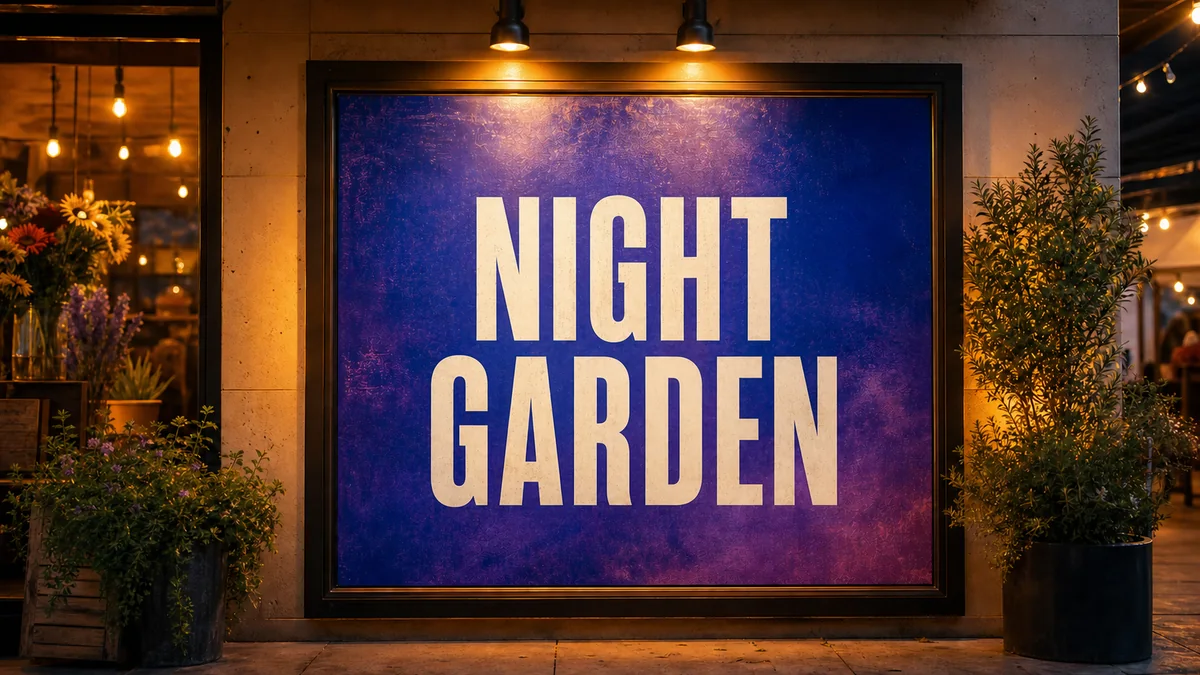
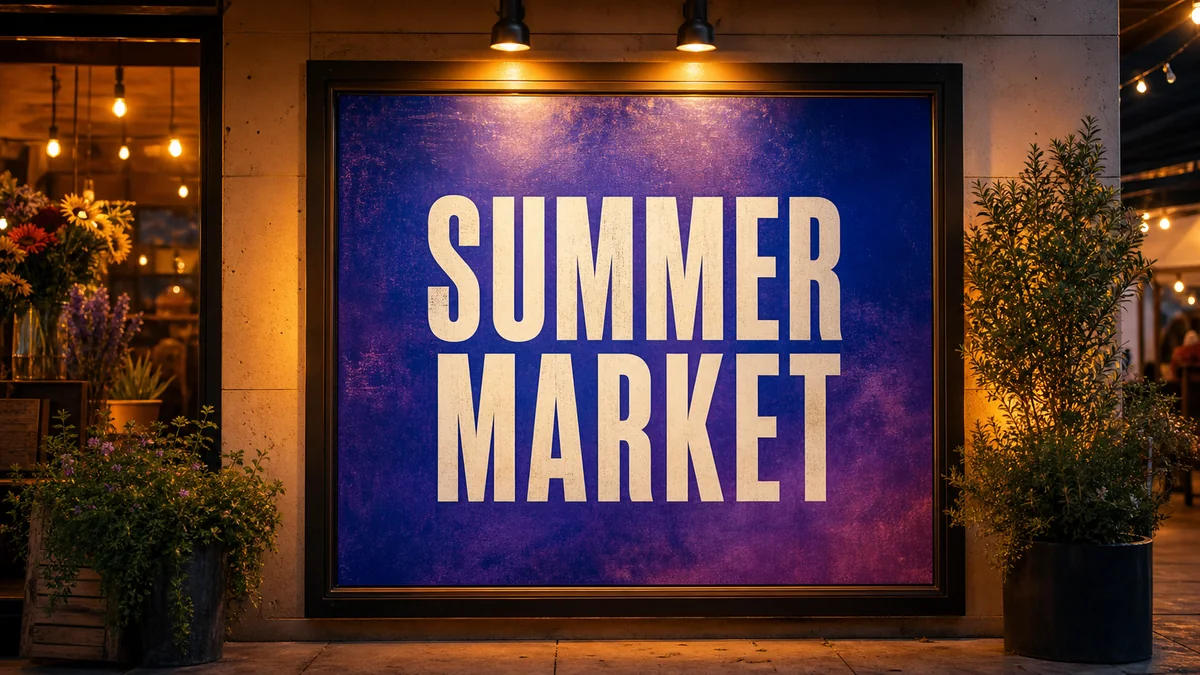
SUMMER MARKET → NIGHT GARDEN, erased and re-typeset by the live pipeline. Drag to compare.
No image handy? Try a sample